Process Planning & Launch
The Leading New Product Introduction Software for High-Tech Manufacturers
Your bridge from R&D to manufacturing, iLaunch readies products for production quickly. As the industry’s most trusted NPI system, iLaunch prepares jobs for factory floors in 1150+ sites worldwide. Thirty five machine vendors promote iLaunch to their customers to simplify programming. More than a decade of evolution provides support for virtually every CAD type and machine make/model/vintage available. We invite you to explore how iLaunch will simplify and expedite your
entire NPI and ECO process.
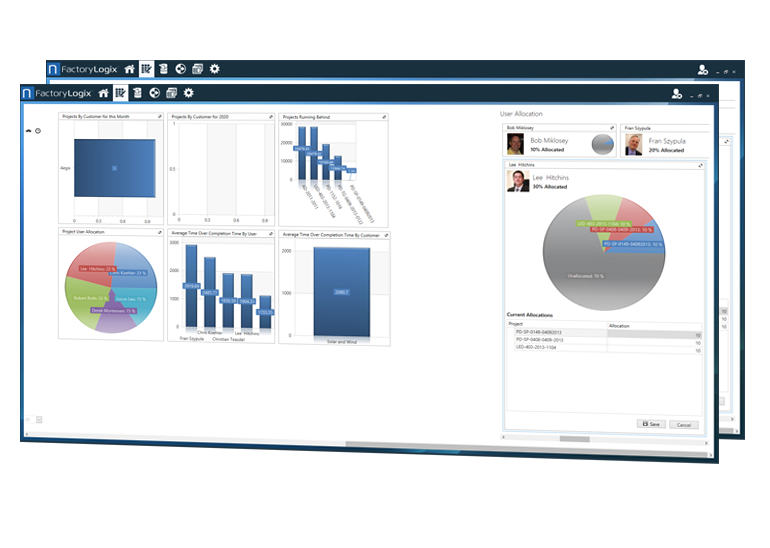
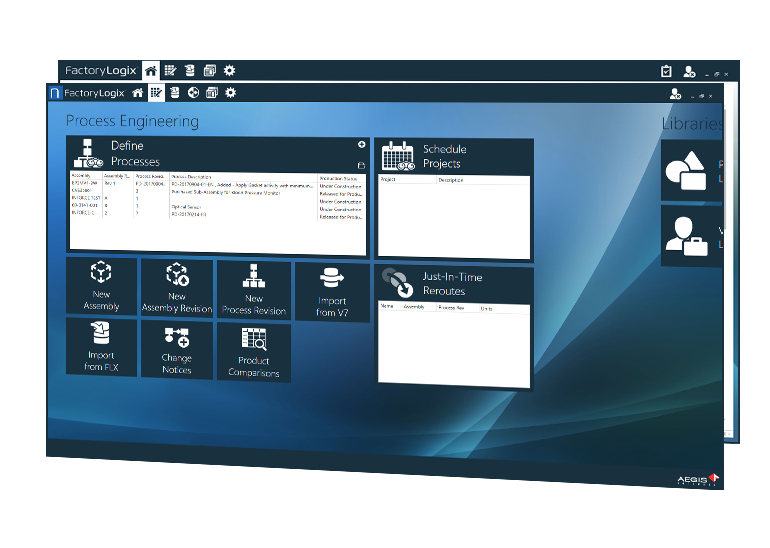
Picture and Screenshot Gallery
The Features and Benefits of Aegis iLaunch
Click [+] below to learn more
- + EDA CAD Support
34 CAD file importers auto-detect file types and transform the native file from the PCB design software platform into a product visual to then act as the foundation for a process design. Aegis importers have a decade of evolution and as result support hundreds of legacy file versions.
Even machine file formats and competitive file types are supported. In addition to native CAD, Aegis provides an integrated Gerber processor that is considered the industry’s simplest to use.
For circumstances where neither Gerber nor native CAD is available, a scanned image digitizer is provided. Aegis technology ensures your factory is never without a means to prepare an incoming product for production.
- + Flexible BOM Import
One half of the Aegis customers are contract assemblers. These manufacturers receive a great variety of BOMs that are all too often poorly formatted and filled with errors. iLaunch includes a powerful means to process almost any text or Excel BOM into the system without code or script writing.
Users create steps of filtering activities to get the BOM in order via a simple graphical interface. The tool intrinsically understands all types of reference designator consolidations and extracts them automatically to make the BOM completely usable and intelligent.
Best of all, once it has encountered a particular type of BOM, it remembers how to clean it. Consequently, it can import it instantly the next time a version arrives from that source.
- + Component Engineering
iLaunch provides tools for managing incoming customer part number lists, an internal part number database, and all the version-critical and interrelated issues of approved vendor numbers, approved manufacturer numbers, and alternate part numbers against customer and product.
These tasks are difficult to manage manually, but are vitally important to successful production. iLaunch makes part number management simple and failsafe.
- + Process Design
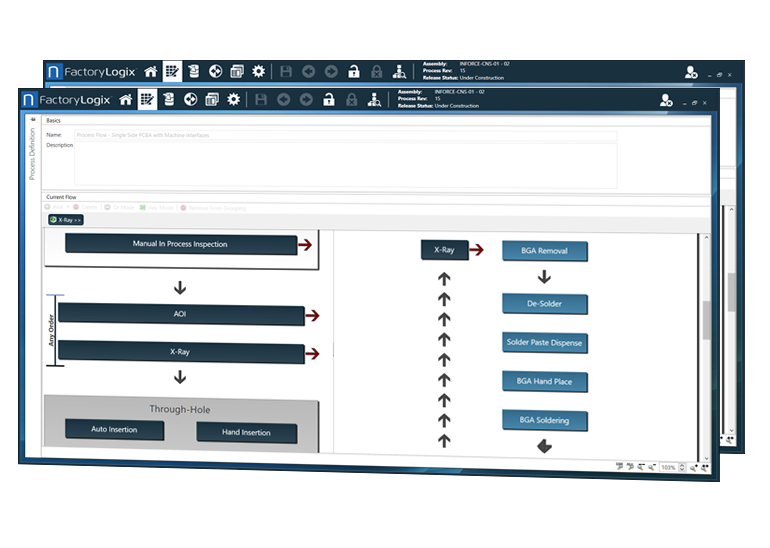
iLaunch is built upon a graphical process engineering tool enabling users to build virtually any conceivable route.
Entire asset complements of factories are modeled, and then each job is rapidly defined as a subset of those master factory definitions.
The solution expedites even the most complex process plan creation because elements such as machine connections, visual documentation layout, quality parameters, route logic, etc. are only defined once and then used in many jobs..
- + Machine Programming
iLaunch offers machine programming interfaces for virtually all machines on the market, stretching back to models produced in the late 1980’s.
Enjoy simple and fast offline programming and library management for placement, printers, jet printers, ovens, AOI, AXI, dispensers, ovens, inserters, semi-auto inserters, and odd form machines. Hundreds of interfaces are available.
Many modern interfaces interact directly with the software from the machine vendors, providing a seamless and rapid way to prepare production programs perfectly before ever sending them to the floor.
- + Mechanical CAD Support
iLaunch prepares and documents upper level and box-build processes as well as PCB assembly. Importers for mainstream mechanical CAD types establish the mechanical model of the product to be built.
iLaunch then expedites the process documentation, route design, and everything required to build the product properly and launch it to production quickly.
- + Complete Revision Control
Customers use iLaunch to process a great variety of incoming products and ECOs on those products. Particularly in contract assembly, the data variety can be overwhelming and fast-paced.
It is critical this information be controlled and organized even when iLaunch is used by large collaborative workgroups of engineers. For this reason, and for controlling the foundation of the MES side of the Aegis system, iLaunch places everything it processes under strict electronic revision control.
It manages a hierarchy of customer, product, customer/R&D revision, process revision, work order, and finally batch. These versions are managed through web-based electronic approvals and automated notifications. Nothing is misplaced, out of order, or out of control.
- + BOM / CAD Cleaning
BOM and CAD files often contain errors within them, or mismatches when they are compared, errors that are very difficult to locate manually.
Errors such as quantity mismatches to the reference designators within the BOM. Parts on BOM not located on the CAD. Missing data in the BOM. The list goes on and on.
iLaunch detects and reveals all such problems automatically, and provides an environment to easily correct them. The goal is quick delivery of perfect information to production.
- + Documentation
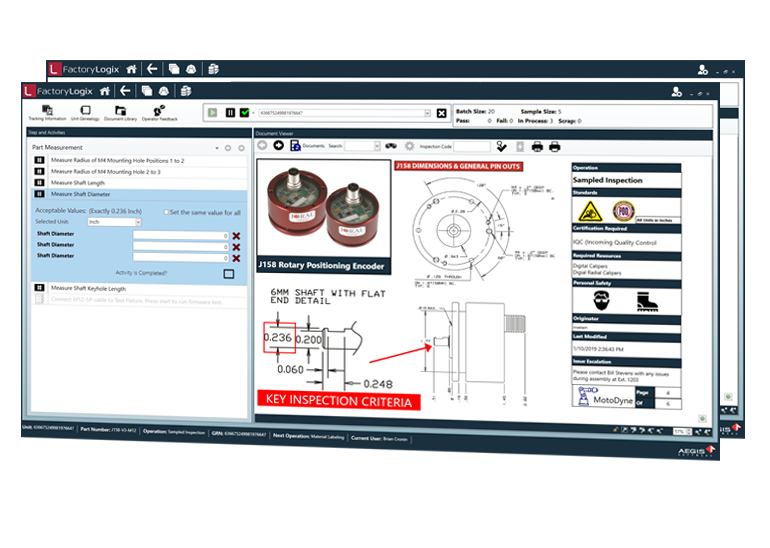
The iLaunch documentation engine transforms CAD and BOM data into rich, interactive operator support documentation. It enables ‘templating’ of documentation across every station in the route.
These templates fully automate most visuals upon import of the design. Documentation supports clipboard, OLE embedding, video, multimedia, hyperlinking to secondary documents or sites, and a full complement of annotation and graphical tools.
Beyond the documentation created using iLaunch’s CAD data, the software enables linking or embedding any type of secondary documents such as user manuals, ISO manuals, etc.
These documents can be targeted for access through the paperless terminals by context or location.
- + DPMO & Base Data Outputs
Calculating the base opportunities for DPMO calculations, particularly in electronics, is quite time consuming and tedious.
iLaunch uses its awareness of the product CAD design to automatically calculate opportunities via a configurable method. It also counts components, count pins, etc.