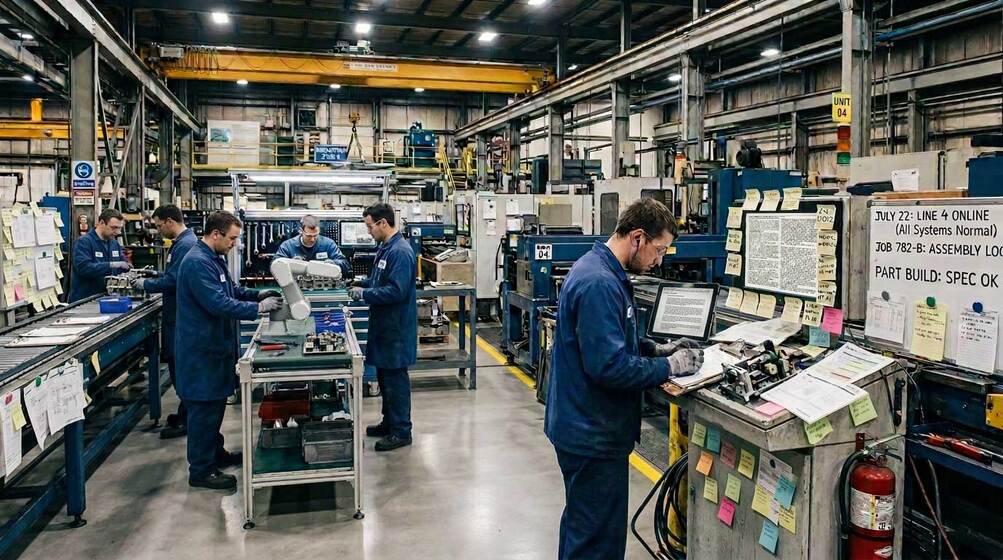
Ask a planner how long the schedule survives once the shift starts. Machines go down. A customer calls with a hot order. A job gets stuck at inspection. By mid-morning, the plan on the whiteboard and the work on the floor have gone their separate ways.
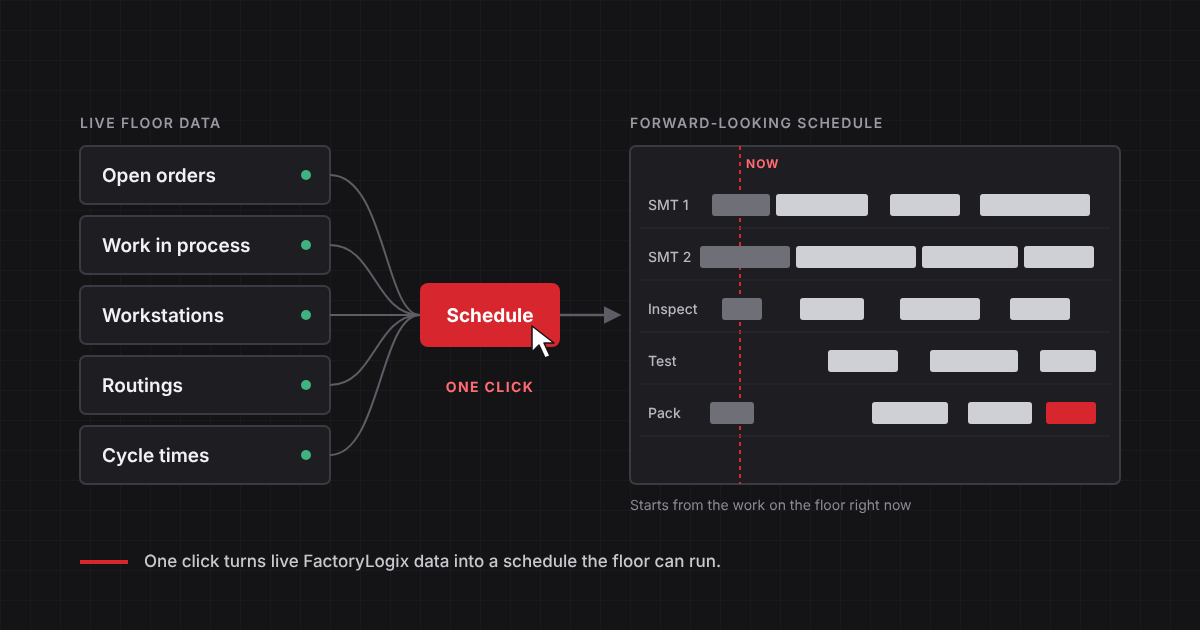
Simio Essentials is our answer to that. It reads what FactoryLogix already knows about your floor, and with one click it builds a 60-day schedule for every station, along with dashboards that show what the plan means for delivery, capacity and flow.
Why schedules fall apart so quickly
When we surveyed FactoryLogix customers, scheduling, sequencing and capacity planning landed near the top of the list of things hurting performance. On-time delivery was what they cared about most. Most of them still adjust the plan by hand, in Excel or on paper. One customer told us a published schedule can be wrong within 30 minutes.
Our customer advisory board raised the same issue from another angle. The schedule changes constantly, and the program managers making those changes on the floor often can't see what each one does to everything downstream.
This isn't the planner's fault. Product mix keeps growing, customers want shorter lead times and smaller batches, and when the supply chain runs lean the factory absorbs every swing in demand. A plan built on forecasts and long lead times was never going to hold up under that.
What does a schedule need to keep up?
Mostly, it needs to start from now. What's running, what's waiting, which orders actually have material. And it needs that every time it runs, not once a week.
FactoryLogix already holds that record. Because it runs the work on your floor (opening the job at the right station, checking the operator and materials, logging each step as it finishes), it knows which product, step, material and operator every piece of data belongs to. That context is what lets the scheduler trust the data as it is. Nobody has to clean it up first.
What happens when you click
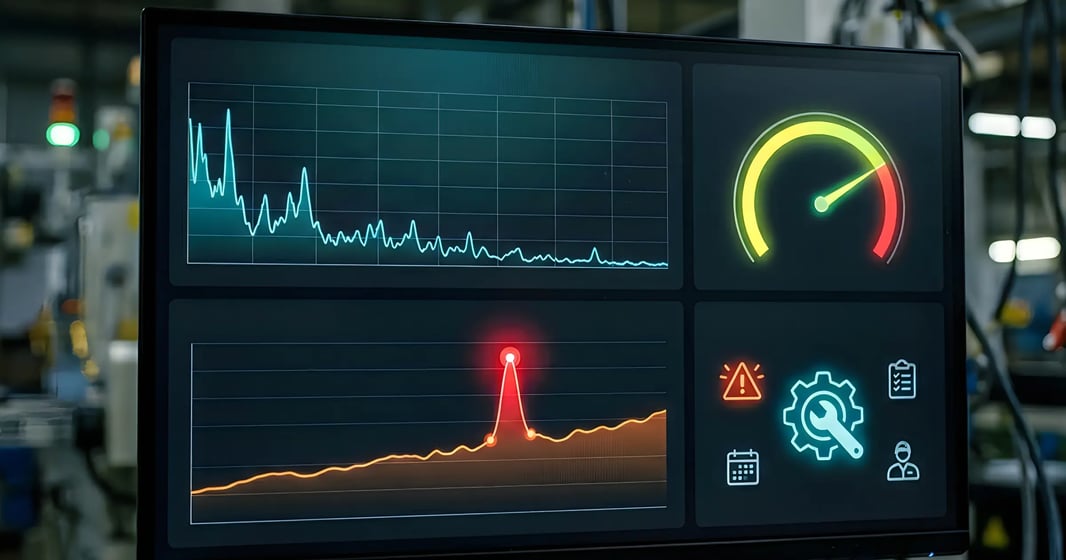
Behind the button, Simio Essentials pulls 38 tables out of FactoryLogix and narrows them to the nine a schedule needs. Then it simulates every order through its routing, one station at a time, using each station's real capacity and cycle times. You get the schedule and these dashboards at the same time:
| Dashboard | What it answers |
|---|---|
| Data health check | Is the data good enough to plan from today, and what would improve it? |
| Schedule summary | Where do we stand on delivery and capacity, in one view for the morning meeting? |
| Schedule detail | Which order runs on each station, in what sequence, starting when? |
| Bottleneck analysis | Which resources are processing, in setup or waiting for work? |
| Capacity heat map | When over the next 60 days does each resource run out of room? |
| Order performance | Which orders will ship on time, which will be late, and by how much? |
| Work in process | Is work flowing through the plant or piling up somewhere? |
It sequences orders onto valid workstations and groups similar products to cut down on changeovers. The schedule goes back into FactoryLogix so operators see it, and since Simio Essentials runs in the web-based Simio Portal, you can put it on a screen on the floor too.
If you already use FactoryLogix for near-term tactical planning on lines and areas, keep using it. Simio Essentials adds factory-wide, simulation-based scheduling that runs from the same FactoryLogix data.
What happens when something changes on the floor?
You click again. A hot order, a machine down, a job on quality hold: one click and the schedule catches up to the floor in seconds.
You can automate that refresh eventually. We'd wait. Until your process and data are in good shape, a planner deciding when to reschedule will make better calls than a timer.
A look at the sample plant
In the webinar's sample plant (built on sample data, not a customer's), the first schedule showed which orders were headed for trouble and singled out the pick-and-place machine on SMT Line 2 as the busiest resource. The capacity heat map was more interesting. That machine had slack at first, then ran flat out for weeks.
Those weeks are where a planner earns their keep: moving cross-trained people, protecting the constraint, and quoting dates the line can actually hit. Seeing it in the morning summary gives the team time to act.
How many systems sit between your floor and your schedule?
Most scheduling setups involve more handoffs than people realize. A standalone scheduler depends on whatever connection someone built to the ERP and MES. Scheduling sold alongside an MES is often its own product, tied in through an integration project, with simulation as a third product on top. Every handoff is a chance for data to lose its context or fall behind, and one more thing to keep working through upgrades.
Simio Essentials reads FactoryLogix data directly and usually runs on the same server. Many rules-based scheduling tools take hours to regenerate a schedule. Simio Essentials takes seconds, which is why it's realistic to reschedule whenever the floor changes.
If you're sitting through scheduling demos, ask how long a full reschedule really takes, whether the plan starts from the WIP on your floor right now, and who keeps the MES connection working after an upgrade.
See the one-click schedule and all six dashboards in the webinar recording, or request a demo.
FAQ's
The questions production and planning teams ask most about scheduling from live floor data.
01How long does it take to update the schedule?+−
Seconds. Simio Essentials reads FactoryLogix data directly and usually runs on the same server, so a planner can reschedule whenever something changes on the floor and have an updated plan right away.
02What data does Simio Essentials use to build the schedule?+−
It uses the production record FactoryLogix already keeps: what's running, what's waiting, which orders have material, and each station's capacity and cycle times. Because FactoryLogix runs the work on the floor, that data already carries the product, step, material and operator it belongs to, so the schedule starts from where production actually stands.
03How does Simio Essentials work alongside FactoryLogix planning?+−
FactoryLogix continues to handle near-term tactical planning on lines and areas. Simio Essentials adds factory-wide, simulation-based scheduling across a 60-day horizon, built from the same FactoryLogix data.
04How do operators see the schedule?+−
The schedule goes back into FactoryLogix, where operators already work. Simio Essentials also runs in the web-based Simio Portal, so the schedule can be shown on a screen on the floor.
05Can rescheduling run automatically?+−
Yes, the refresh can be automated. We recommend starting with a planner deciding when to reschedule, and automating once your process and data are in good shape.